Every resume template is crafted to meet proven hiring standards and help you land jobs faster. Choose our templates and unlock free access to additional career tools!
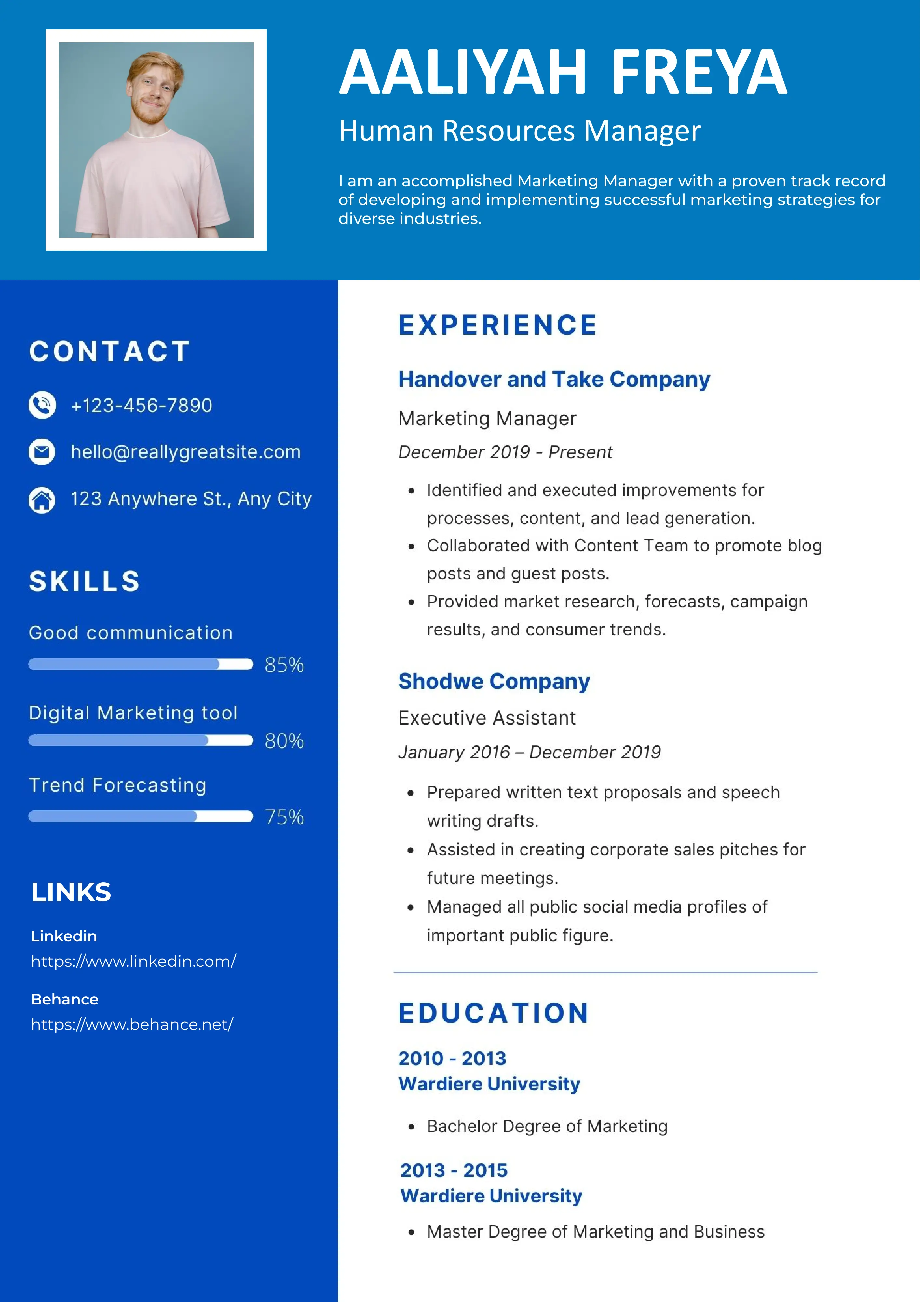

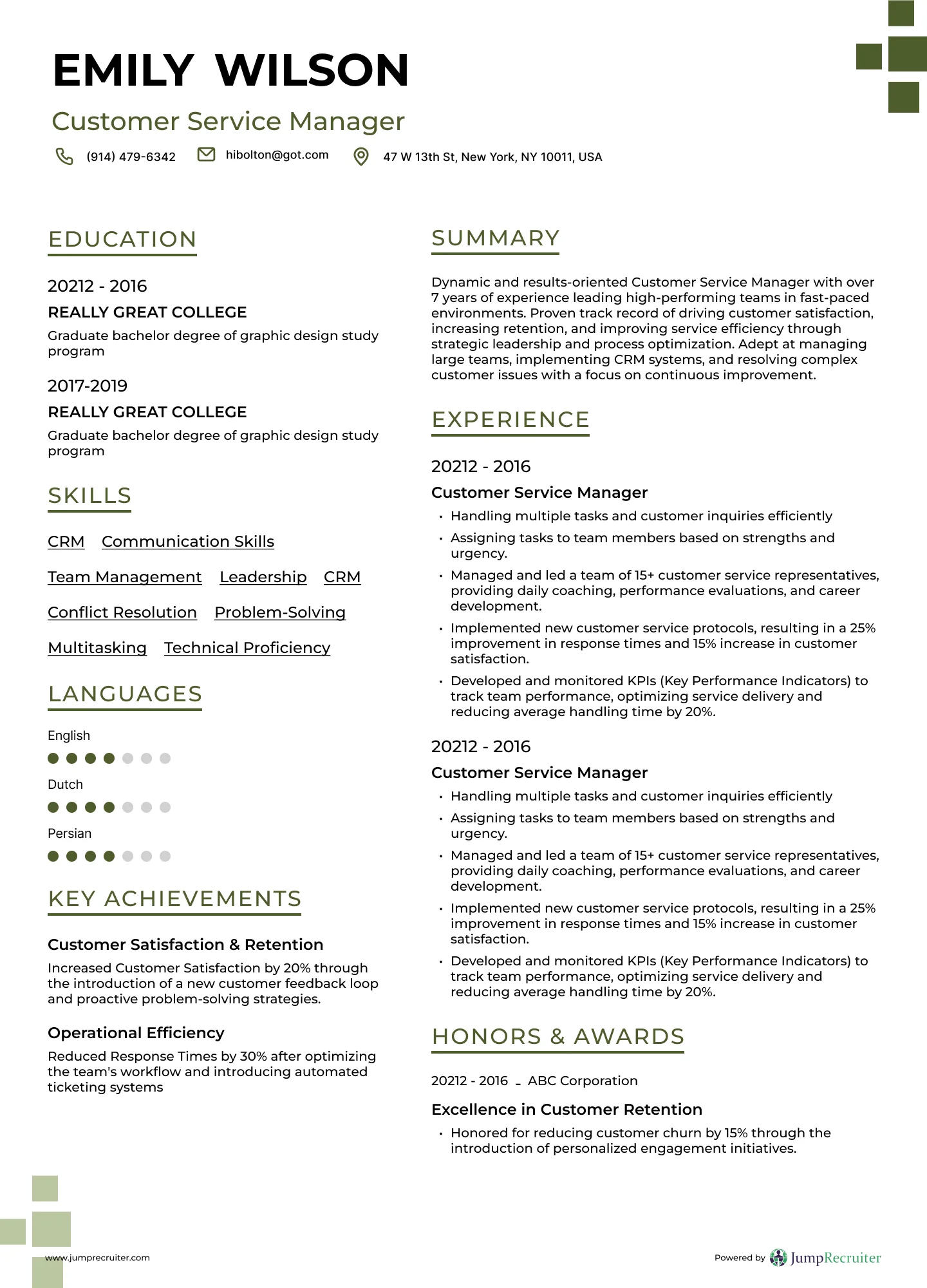
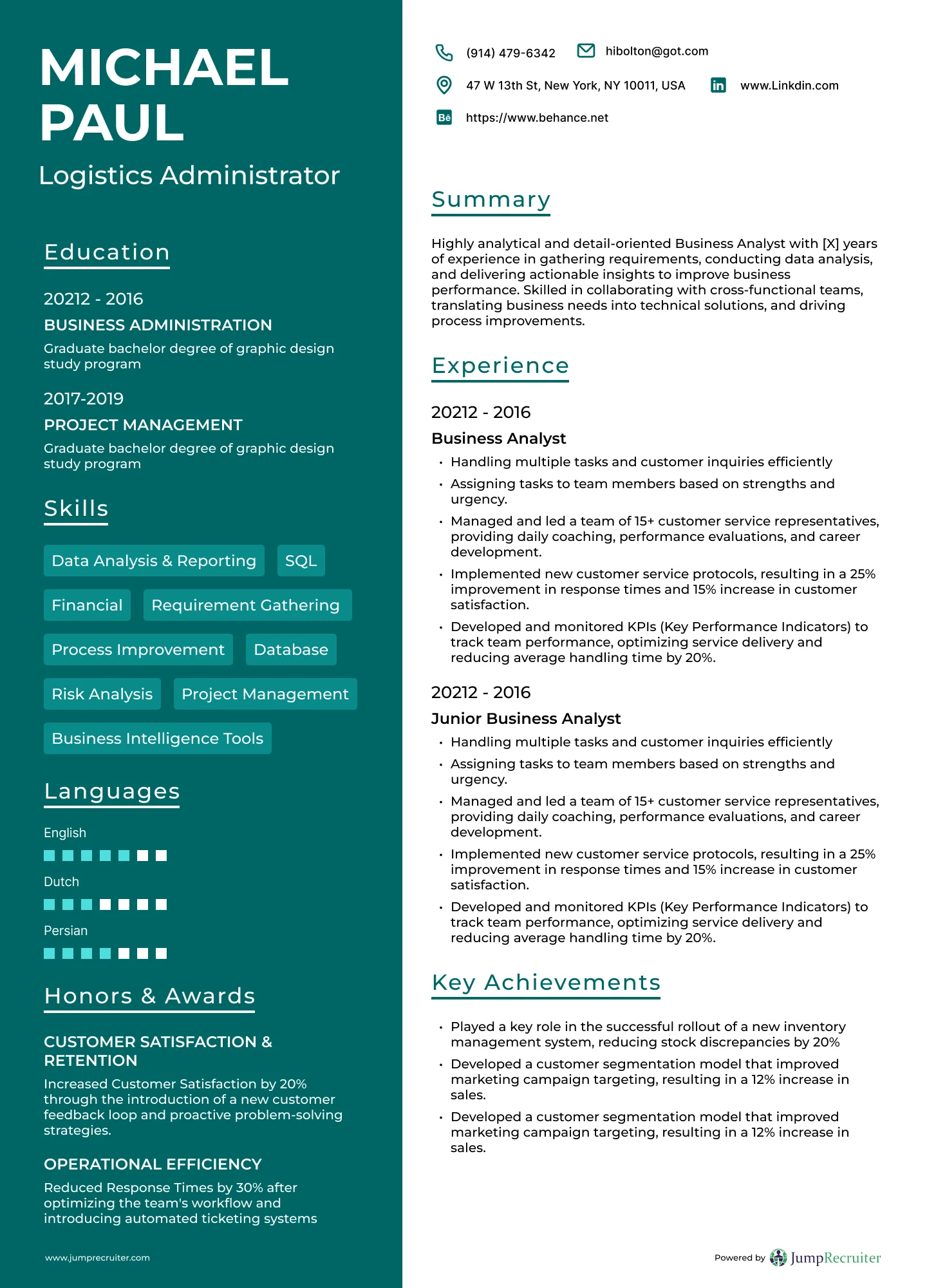
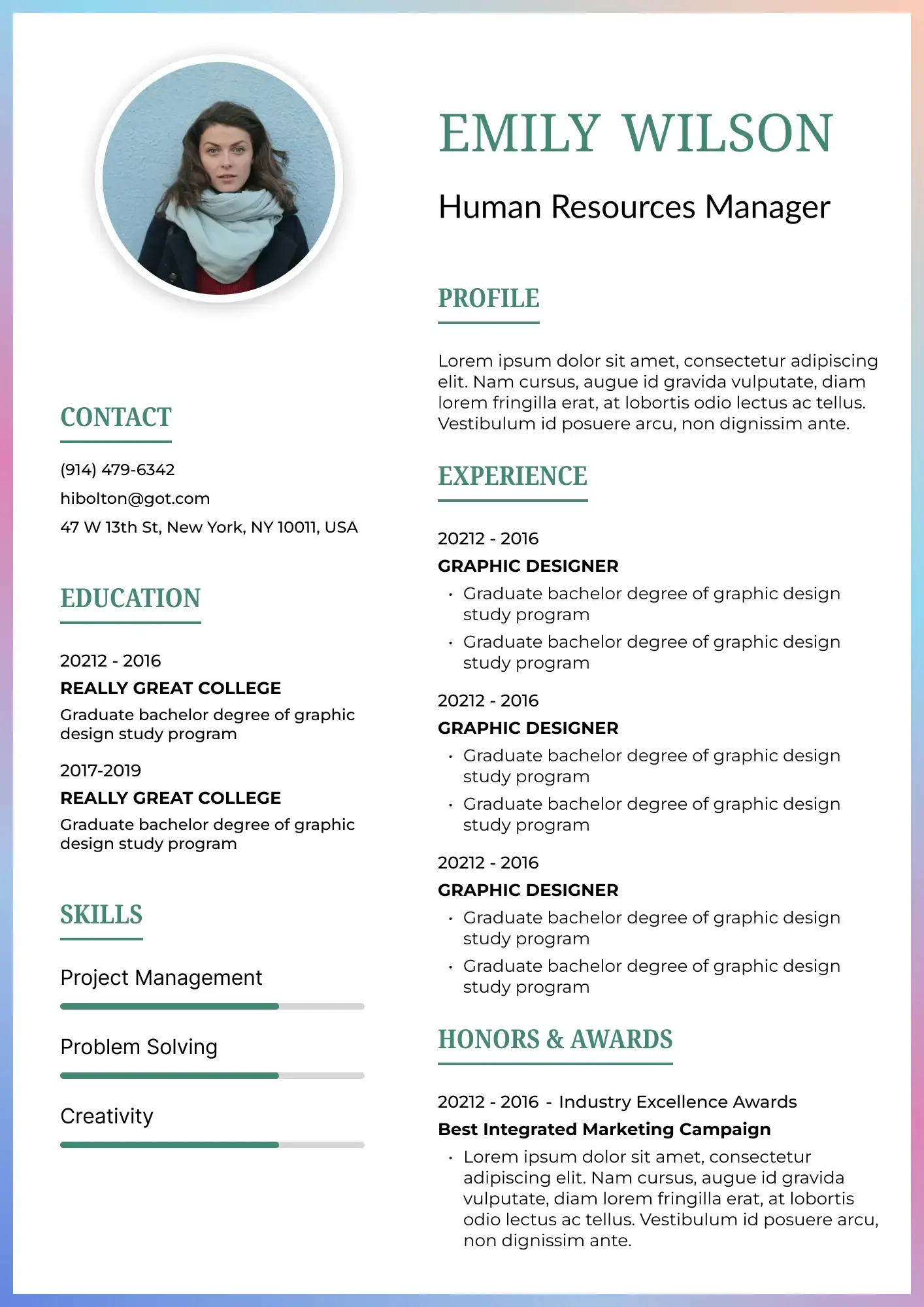
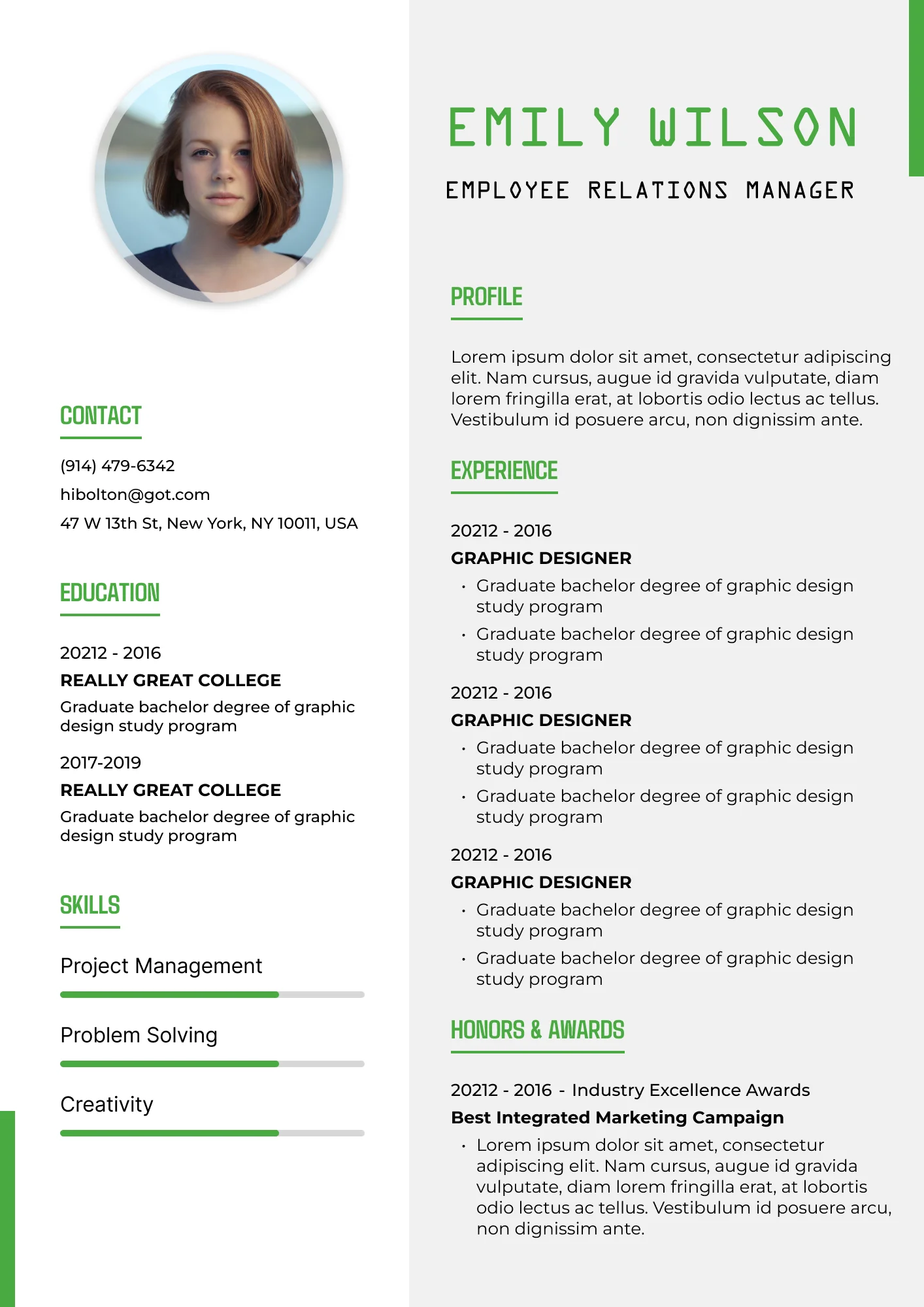
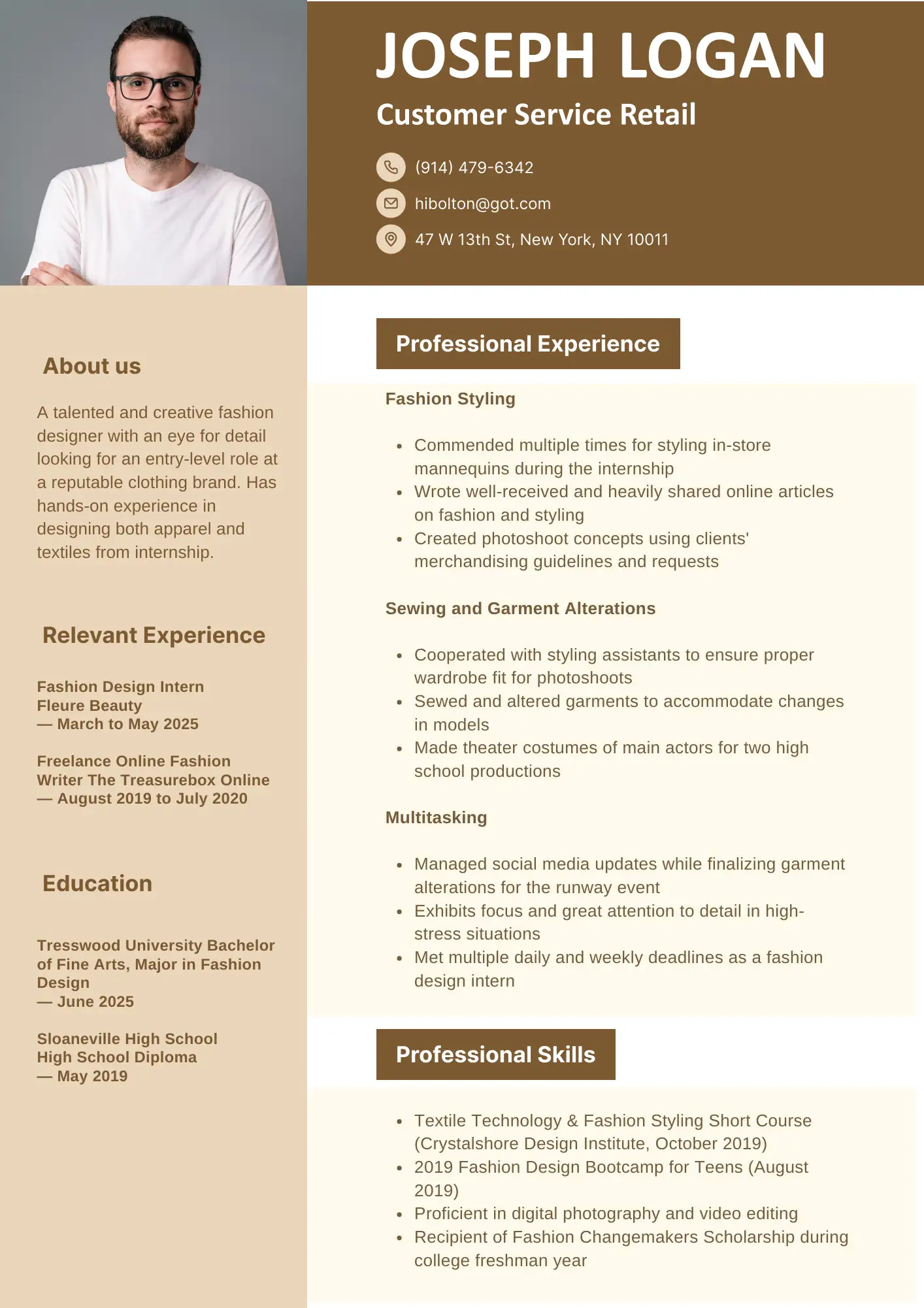
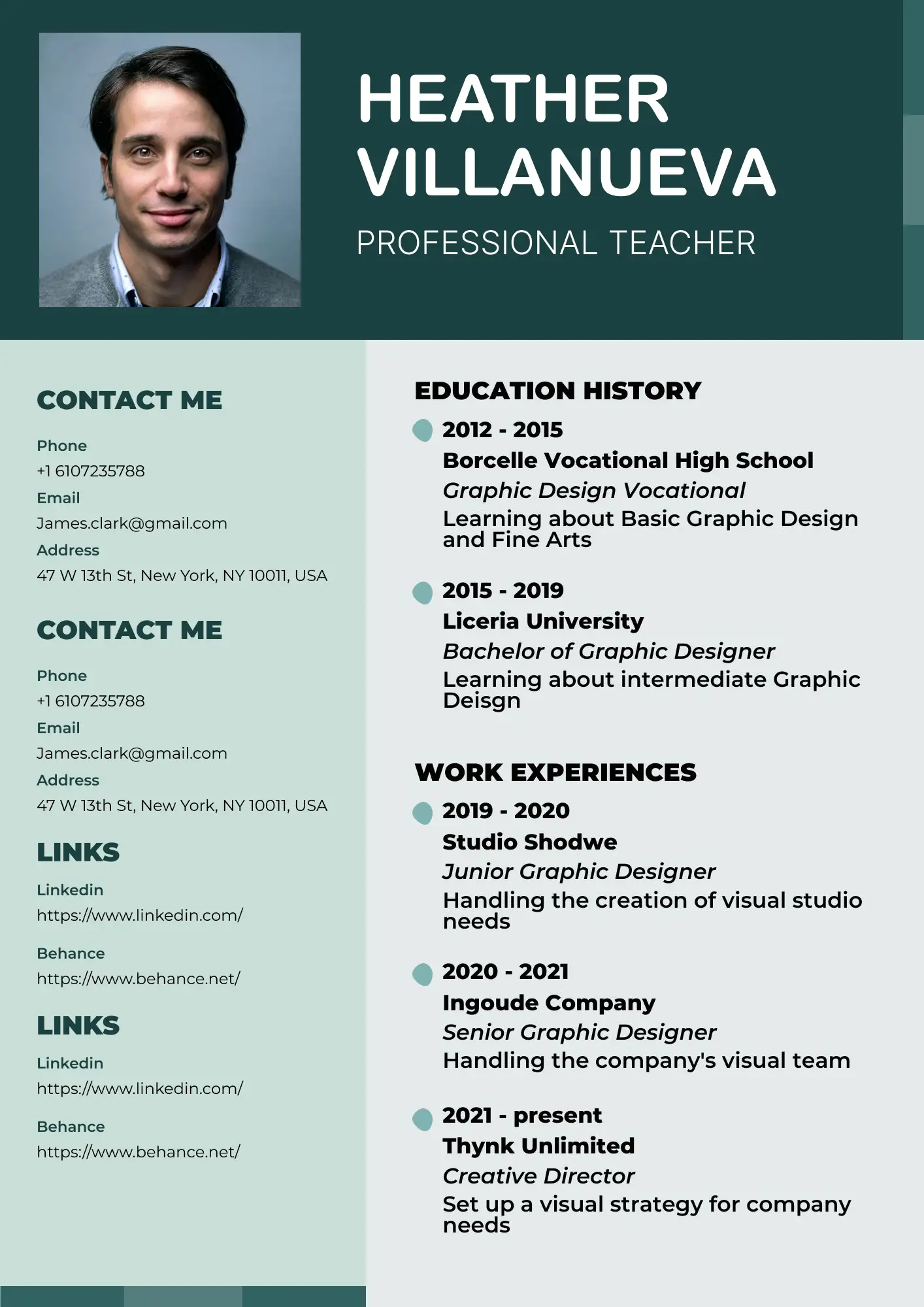
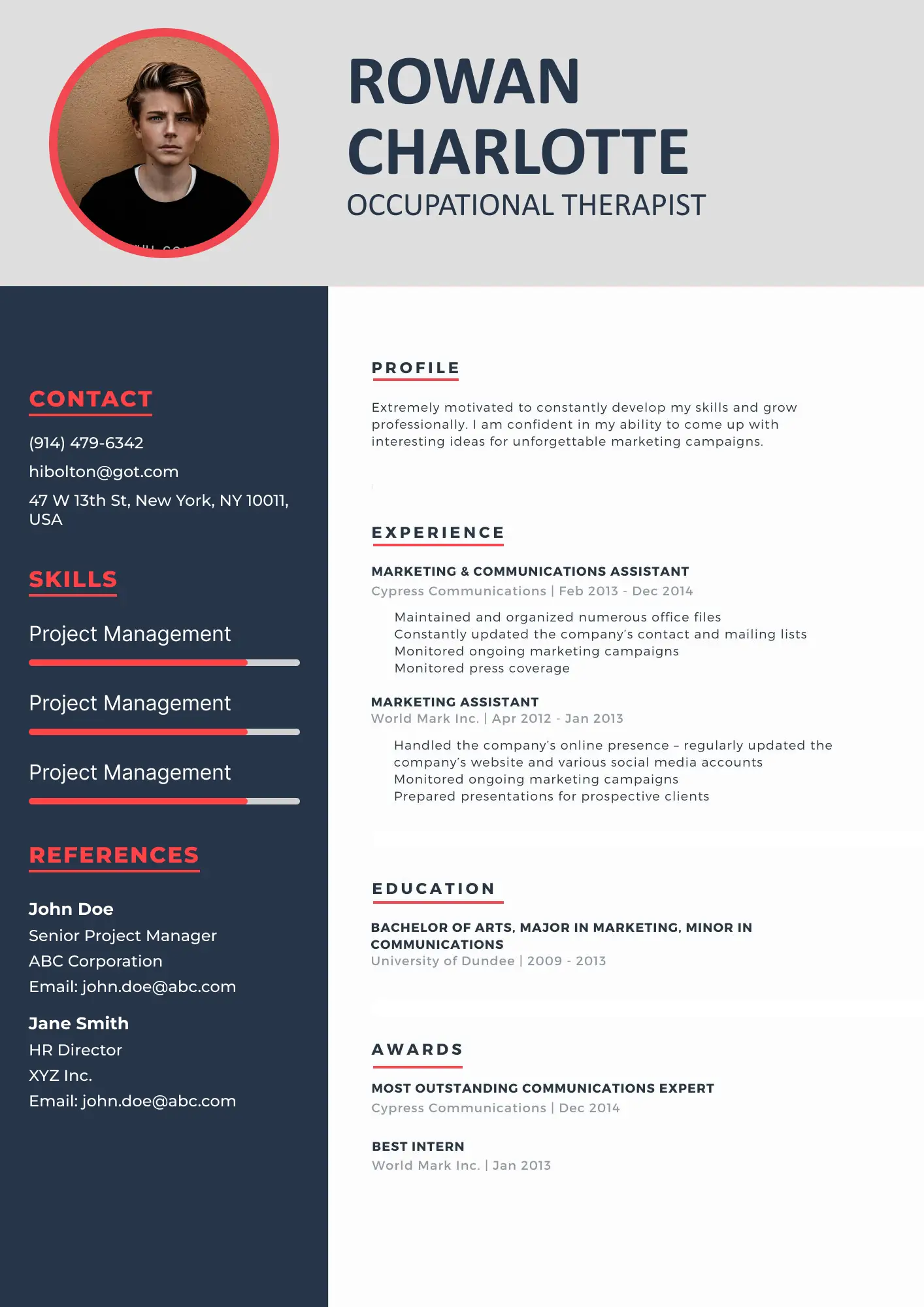
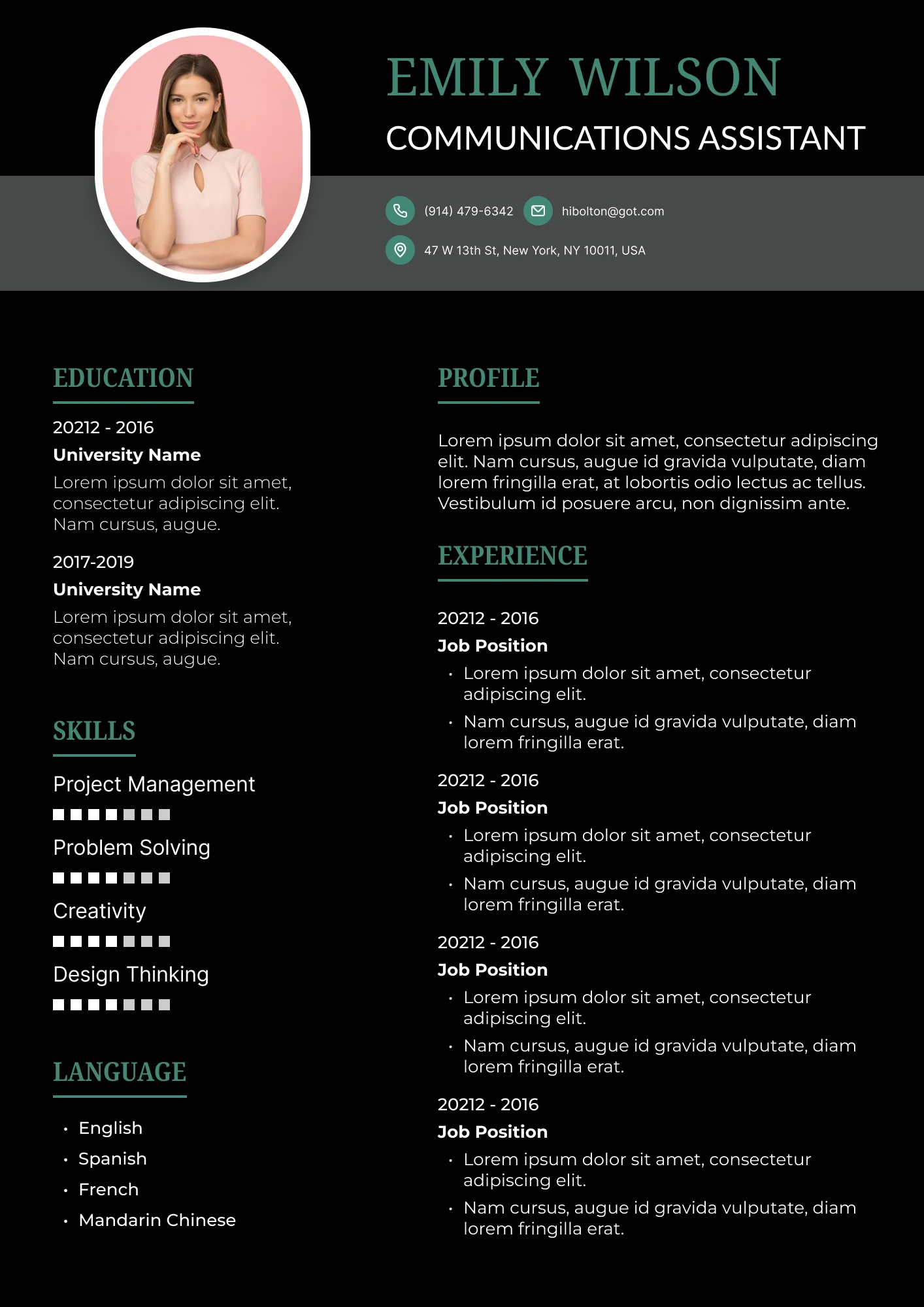
Adding a resume photo can make a lasting first impression, especially in industries where visual presence matters. With Jump Resume Builder, you can easily create a professional resume template with picture that highlights both your skills and personality. Our collection of modern resume templates with photo is designed to fit creative professionals, photographers, and international job seekers who want their resume to stand out.
Mostly, hiring managers overlook candidates due to messy or unprofessional formatting. Our resume templates with photo fix this by offering polished layouts that highlight your skills while keeping the structure clean and easy to read.
Choose from a wide range of resume templates with photo that combine professional design with visual appeal. Whether you need a CV template with photo for international applications or a photographer resume template for creative roles, our templates are fully customizable. Each resume with photo template ensures your image complements your experience without overwhelming your content, giving you a modern, polished look.
Jump Resume Builder offers intuitive editing tools so you can personalize layouts, add images, and adjust formatting effortlessly. Highlight your achievements and style with templates that balance content, structure, and visual impact. Templates can also include multiple images on a resume to showcase creative work or portfolio samples.

Whether to include a photo depends on your industry, role, and location. Resume photo practices vary around the world, and it’s important to understand when it enhances your application.
Creative industries, such as design, photography, or media, often benefit from a resume photo. Client-facing roles can also use images to establish approachability. In some international markets, particularly in Europe and the Middle East, resumes with photo are standard. Adding a photo in your resume can create a personal connection with hiring managers and make your resume more memorable.
For corporate positions in the US or UK, resumes are generally preferred without photos. Additionally, applicant tracking systems (ATS) may not process images correctly, so avoid including a photo if your resume will be scanned automatically.
Incorporating a photo on CV should always feel strategic and professional, ensuring it adds to your presentation rather than distracting recruiters.

A well-structured resume format with photos ensures your image enhances your profile while maintaining clarity. Modern resumes with photos often position the image in a corner or header, while sidebar CV formats allow your photo to sit beside your contact details for a clean layout. Creative resumes can even incorporate a full-width header image without compromising readability.

Choosing a resume photo that looks professional and passes ATS scans is essential for modern applications. Some systems may struggle with overly large images, complex backgrounds, or embedded graphics, so it’s important to select an image that enhances your resume without causing technical issues.
A clean, high-resolution image with a neutral background works best. Keep the photo small and positioned in a corner, ensuring it does not interfere with text parsing. Professional attire, proper lighting, and a clear headshot create a polished appearance while remaining ATS-friendly. Using resume photo samples from real-world examples can help you select the right style and format for your industry.
Avoid selfies, casual snapshots, or images with cluttered backgrounds. Large or decorative photos can confuse ATS software, causing your resume to be misread or improperly parsed. Stick to simple, professional photos that align with ATS requirements. Proper resume photo placement ensures that both human readers and automated systems interpret your resume effectively.

Taking a professional resume photo doesn’t require a studio, but attention to detail is essential. Use natural lighting and choose a clean, neutral background to make your CV photo stand out. Solid, neutral-colored shirts work best, while avoiding overly dark tones that obscure your features.
Keep a confident expression, maintain proper posture, and ensure the image is high resolution. Small adjustments in lighting, angle, and framing can make a significant difference, helping your professional photo for resume look polished and approachable. Remember that a well-executed profile photo black issue or mismatched background can impact first impressions.
The placement of a photo in resume affects readability and visual appeal. Position your image in the top right or left corner, or within the header section. This placement ensures recruiters notice your photo without compromising content flow.
Avoid center placement, oversized images, or including multiple photos. Correct photo on CV usage creates balance and keeps the focus on your skills, experience, and education, while still allowing your personality to shine through. Proper photo placement also ensures compatibility with ATS systems.
For photographers and creative professionals, a photographer resume should reflect visual skills. Photographer resume templates offer image sections that integrate your portfolio seamlessly, while photographer resume sample layouts showcase effective designs for creative fields. Combining a portfolio with a CV allows hiring managers to immediately understand both your technical abilities and your aesthetic style.
Jump Resume Builder provides customizable templates that highlight photography skills CV alongside professional experience. Templates include sections for showcasing projects, awards, and work samples, making your resume template picture visually compelling and content-rich.
To create a fully optimized application, explore additional resources:
Upgrade your resume in minutes
Use this AI resume builder to create an ATS resume and get more interviews.
Find answers to common questions about our resume builder and how to create the perfect resume.
It depends on your industry and location. Creative fields and some international markets often use resume photos, while corporate roles in the US or UK may not require them. A professional photo can enhance first impressions, but it is not mandatory in every case.
Keep your resume photo small, typically passport-sized, and neatly positioned in a corner to maintain clarity and professionalism. Avoid large or decorative images that may interfere with content.
It’s better to use a professional-looking image with good lighting and a neutral background to ensure a polished presentation. Selfies can appear casual and may reduce the perceived professionalism of your resume.
Some ATS systems may not process images effectively. Use a resume template with photo only when appropriate for the industry and location. Correct placement and size ensure both humans and ATS software can read your resume correctly.
The top right or left corner, or header section, is most effective for maintaining readability and balance. This placement supports both visual appeal and ATS compatibility.
Jump Resume Builder makes it easy to add a photo and design a resume that reflects your style. Whether you choose a picture resume template, resume template picture, or want to include multiple images on resume, our platform provides intuitive tools and modern layouts without requiring design expertise. Customize fonts, colors, and sections while keeping your resume clean and professional. Adding a professional photo enhances your branding, helps your application stand out, and ensures recruiters can recognize you immediately.
